Buying Guides7 min read
How to buy a Carfax report with crypto
By Carfax Vin Check team
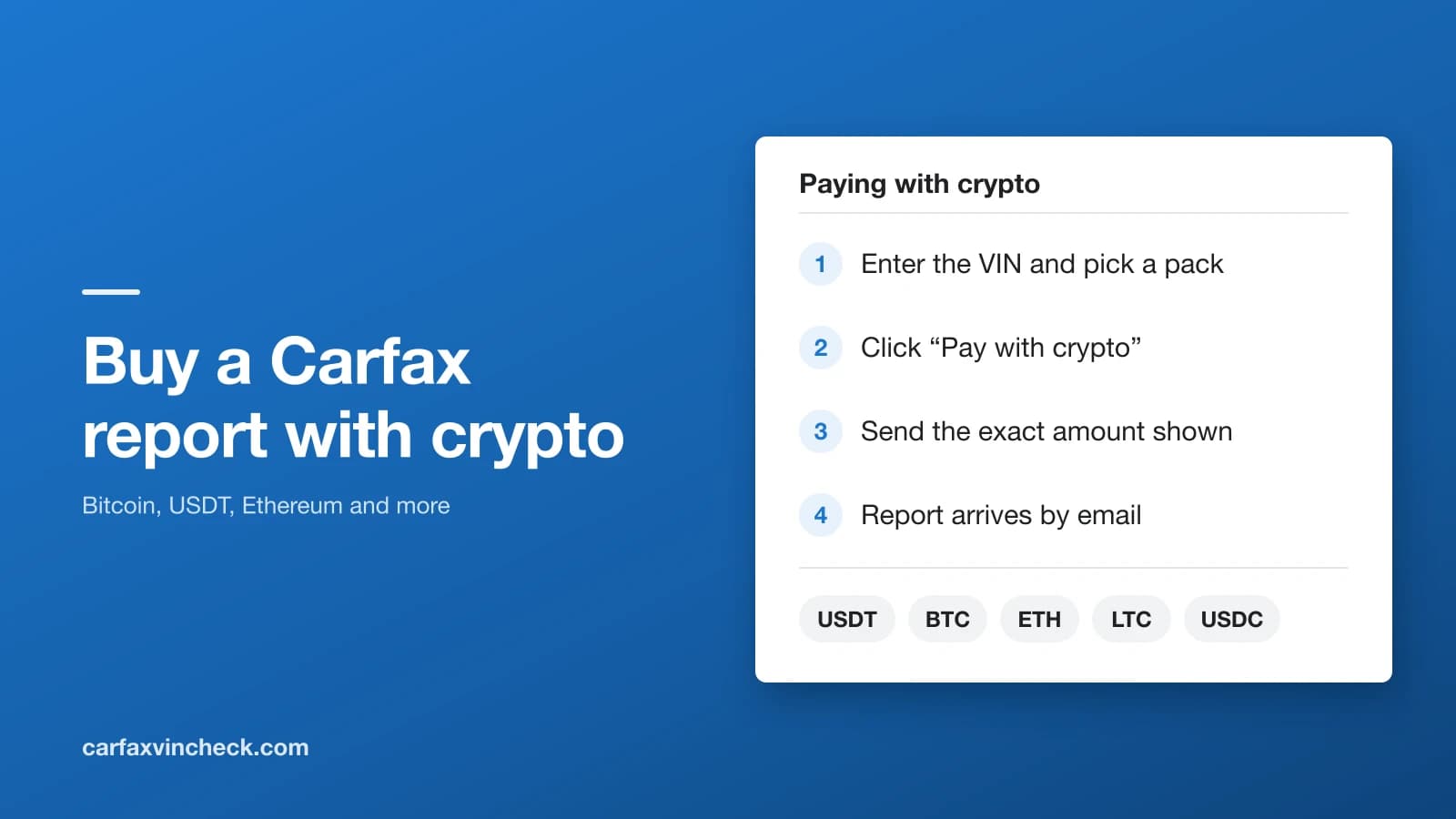
You can buy a Carfax report with crypto on Carfax Vin Check, and it costs 10% less than paying by card. You pick a pack, click "Pay with crypto", send the amount from your wallet, and your credits arrive once the network confirms the payment. If you entered a VIN at checkout, its report runs as soon as the credits land and comes to your inbox. Payments go through NOWPayments, a crypto payment processor, so you never send coins to a personal wallet.
Paying with crypto at a glance
- Coins: USDT, USDC, Bitcoin, Ethereum and Litecoin, among others listed on the payment page.
- Price: 10% off the card price, shown on the "Pay with crypto" button before you commit.
- Minimum order: set by network fees. If your order is under it, checkout tells you.
- Speed: credits land when the network confirms, usually within an hour and often within a few minutes.
- Vehicles: US and Canadian VINs, the same as a card payment.
- Account: none needed beforehand. We create one for your email after the payment arrives.
Who buys a Carfax report with crypto
Mostly people outside the United States. If you're importing a car from a US auction or buying from a seller in Texas while you live in Dubai, Lagos or Warsaw, a US card form is often where things fall apart: the card is declined, or the bank adds a foreign transaction fee. Crypto skips that step. The other group already holds crypto and would rather spend a stablecoin than reach for a card.
Either way, the car itself has to be a US or Canadian vehicle. Carfax builds its reports from North American records, so a VIN from a car built for Europe or Asia won't return one, however you pay.
What you need before starting
- The car's 17-character VIN. It's on the dashboard behind the windshield, on the driver's door frame, and on the title. Ask the seller for a photo if you're buying remotely.
- An email address you check. Your report, receipt and account link go there.
- A wallet or exchange account holding one of the accepted coins, with enough on top for the network fee.
- A few minutes to send the payment while the payment page is open.
How to buy a Carfax report with crypto, step by step
- Go to the VIN check on our homepage, type the VIN and press check. You'll see the vehicle's year, make and model, so you can confirm it's the right car before paying.
- Choose a pack. One report covers one car; the bigger packs bring the price per report down, and credits never expire.
- On the checkout page, enter your email address. If you already have an account, log in instead and pay as yourself.
- Click "Pay with crypto". The button shows the discounted total and a "10% off" label. If you see a note saying crypto is available above a certain amount instead, your order is under the minimum (see troubleshooting below).
- You land on the NOWPayments page. Open "Choose asset" and pick your coin and its network, for example USDT on TRX (Tron). The page shows the "Amount to pay" in that coin, with its dollar value underneath.
- Click "Next step". You get a deposit address, the exact amount and a QR code. Scan the QR code from your wallet app, or copy the address and amount by hand.
- Send the payment from your wallet. Make sure the amount that arrives matches the amount shown, so let your wallet add the network fee on top rather than taking it out of the amount.
- The page moves from "Waiting" to "Processing" as the network picks up your transaction, then to "Success" once it's confirmed. You're then sent back to our site.
- Your credits are added and, if you entered a VIN, its report runs straight away. Reports usually arrive within a minute of that. If you were a new customer, check your inbox for the link to set a password for your account.
You don't have to keep the page open for the last two steps. Our site picks up the confirmation by itself, so you can close the tab once the payment is sent.
Which coin to use
For a report, use USDT on the Tron network (TRC20) if you can. It's a dollar stablecoin, so the amount doesn't move while you pay, and Tron's network fees and confirmation times are among the lowest.
USDC is also pegged to the dollar and works just as well. Check which network the payment page asks for, because USDC exists on several.
Litecoin is a good choice if you hold it: fees are low and blocks come quickly.
Bitcoin and Ethereum are accepted too. Their network fees are higher, which matters more on a small payment, and Bitcoin can take longer to confirm when the network is busy. They're fine if that's what you have.
Is paying with crypto worth it?
What you gain
- A lower price: 10% off the card price.
- No card needed, and no foreign transaction fee from your bank.
- The same full Carfax report a card payment gets you.
What to keep in mind
- Confirmation takes longer than a card, usually up to an hour.
- There's a minimum order, so it isn't offered on the smallest orders while network fees are high.
- A payment sent short, or on the wrong network, can't be completed automatically and has to be sorted out by hand.
Troubleshooting common problems
The "Pay with crypto" button doesn't appear
Your order is under the crypto minimum. Network fees set a floor below which a payment isn't worth sending, and checkout shows a short note with that amount instead of the button. Choose a bigger pack, which also lowers the price per report, or pay by card.
The payment page says the amount is too small
Some coins have higher minimums than others. Go back and choose USDT on Tron, which has one of the lowest. If it still appears, pay by card or choose a bigger pack.
I've paid, but the page still says "Payment processing"
The network hasn't confirmed the transaction yet. You can watch it yourself: paste your transaction ID into Tronscan for Tron payments or mempool.space for Bitcoin. Once it's confirmed, your credits follow automatically. If a few hours pass after confirmation and nothing has arrived, contact us with your order number and the transaction ID.
I sent less than the amount shown
This usually happens when the wallet takes the network fee out of the amount. The payment is then marked as partly paid and isn't credited automatically. Contact us with your order number and transaction ID and we'll sort it out with you.
I sent the coin on the wrong network
Sending USDT on Ethereum to a Tron address is the classic case. Contact us straight away with the transaction ID. Some wrong-network payments can be recovered, but not all, which is why copying the network along with the address matters.
The payment page timed out before I sent anything
Go back to checkout and start a new payment. Don't send to an address from an old payment page: a late payment to it isn't matched to your order automatically.
What stays the same as paying by card
Credits never expire, so a pack bought today still works on any US or Canadian VIN next year. If a report can't be produced for a VIN, its credit goes back to your account automatically. Unused credits are refundable within 30 days; for a crypto payment we send the refund in crypto to an address you give us.
And it's the same full report: accidents and damage, title brands such as salvage and flood, odometer readings, owners and service records. If you're new to reading one, start with what "damage reported" means on a Carfax report and what a salvage title means for price and insurance.
Questions about paying with crypto
Can I pay for a Carfax report with Bitcoin?
Yes. Bitcoin is one of the coins on the payment page. On a small order, USDT on Tron is usually cheaper to send because its network fees are lower.
Is a Carfax report cheaper with crypto?
Yes. Paying with crypto takes 10% off the card price, and the discounted total is shown on the "Pay with crypto" button before you pay.
How long does a crypto payment take?
Usually within an hour, and often a few minutes for USDT on Tron or Litecoin. Bitcoin can take longer when its network is busy. The report itself usually arrives within a minute of your credits landing.
Do I need an account to pay with crypto?
No. Enter your email at checkout and we create the account for you once the payment arrives, then email you a link to set a password. Your credits and reports are kept there.
Can I get a refund on a crypto payment?
Unused credits are refundable within 30 days. For a crypto payment, the refund is sent in crypto to a wallet address you give us.
Does paying with crypto work for cars outside the US?
The payment works from anywhere, but the car must be a US or Canadian vehicle, because Carfax only has records for those.
Ready to check a car? Choose a pack and pay with crypto to take 10% off. Packs start at $3.50 a report in the 20-pack.
Check the car before you buy it
The full Carfax report for $7.99, or $3.50 each in a 20-pack.